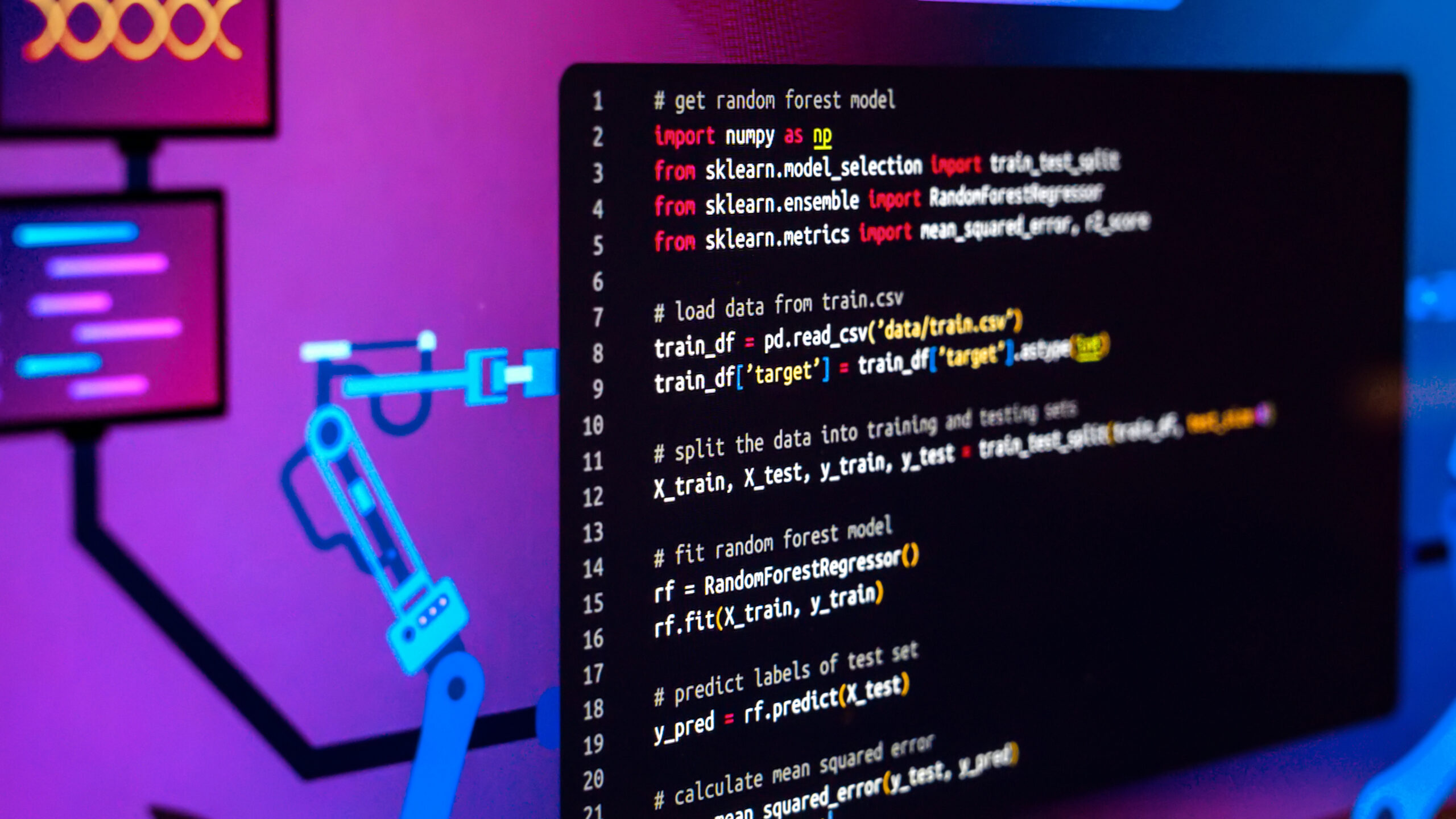
Python libraries are collections of prewritten code that include modules, functions, and classes. Developers often depend on them in their programs without starting from scratch. In most cases, whether it is data analysis, web development, or automation, you can find a package to assist.
This guide explains what a library is in Python programming. We analyze the difference between packages, modules, and frameworks. We research how you can select and integrate libraries into your projects. For beginners in Python programming, this article will be a good read.
What Is a Python Library?
A module is simply a collection of pre-written code that developers may use to develop software programs. The functions, objects, and data types are categorized into modules in the libraries. Developers can easily add libraries to their programming language and utilize the functions without writing extensive code.
For example, if you want to generate a random number, you have to import the random module from the standard module set. Then use `random.randint(1, 100)`. That single line replaces dozens you’d otherwise write. This simple case clearly shows what a Python library is, with a practical example from real-world coding scenarios.
A simple way to think about it is as a toolbox. Every tool in the box serves a specific purpose. You use only those relevant to your project. The Python language already comes with many built-in tools.
These tools provide a wide range of functionality. This includes file operations, mathematical functions, networking, and much more. Besides that, thousands of third-party packages are available on PyPI.
Why Are Python Libraries Important?
This language is widely used because of its extensive package ecosystem. The software development teams rely on their tools almost daily. They use them to build backend functionality and streamline processes.
- Faster development. These tools include ready-to-use functions. You import the CSV module. Then you start working with data immediately instead of coding a parser.
- Fewer bugs. Communities maintain package code. These communities continuously test and fix issues.
- Specialization. These tools let users leverage sophisticated methods in machine learning, image processing, or data analysis. This is possible without knowing how these algorithms work.
- Free access. Free-to-use open-source tools enable individual programmers and startups to use the language.
Types of Python Libraries
- Standard library. Community develops these tools. They offer functionalities. These contain input/output operations (os, pathlib), mathematical operations (math, statistics), networking support (http, socket), and text handling (re, json). No further installation is necessary – just import your desired module and code away!
- Third-party libraries. The community develops these tools. They are made available through the Python Package Index (PyPI). They can be installed using pip. Popular external tools include NumPy, Flask, and Requests.
In data science, external frameworks such as Pandas and Scikit-learn are the industry-standard tools now.
Popular Python Libraries and Their Uses
- NumPy. Foundation for numerical computing. It provides multi-dimensional arrays and fast mathematical functions.
- Pandas. Offers DataFrames for data manipulation and analysis – the go-to module for cleaning and exploring datasets.
- Matplotlib. It’s a visualization tool that produces charts, graphs, and plots from raw data.
- Scikit-learn. Provides tools for classification, regression, and clustering.
- Django and Flask. Web frameworks for building web applications. Django is full-featured. Flask is lightweight and flexible.
- Requests. Simplifies HTTP requests. Fetching data from a web API takes a single line of code.
- TensorFlow and PyTorch. Deep learning frameworks for building and training neural networks.
How to Install and Manage Python Libraries
Installing packages is easy with pip. Pip is a package manager included with Python 3.4 and later. Open your terminal and run:
pip install library-name
Useful commands for managing libraries:
- pip install requests. Install a specific library from PyPI.
- pip install – upgrade library-name. Update to the latest version.
- pip list. Display all installed libraries and their versions.
- pip freeze > requirements.txt. Export your environment for reproducibility.
In case of larger projects, consider using virtual environments such as venv and conda. The reason is to avoid having conflicting requirements for your project and other projects.
Python Library vs Framework: What’s the Difference?
A library module includes certain functions that you can invoke as you need them. Here, you have full control over your flow of execution.
On the other hand, a framework provides structure for building your application. It will invoke your code in specified locations, a technique called “inversion of control.”
If you use tools such as Requests to fetch information from APIs, you can call specific methods. However, when you develop websites using the Django framework, routing, middleware, and templates are already defined. You don’t define them by yourself.
So libraries are what you work with, while frameworks are what you build within.
Advantages and Limitations of Python Libraries
Advantages:
- Faster development using tested solutions.
- Fewer errors due to community support.
- Ability to handle complex tasks more easily.
Limitations:
- There are some difficult-to-learn software packages, such as packages with many APIs.
- Some third-party software packages may no longer receive support, resulting in a security risk.
- A high number of dependency software packages makes a project difficult.
How to Choose the Right Python Library
- Active maintenance. Check the GitHub repository for recent commits. If a library hasn’t been updated in over a year, it may include vulnerabilities.
- Documentation quality. Good documentation with examples and API references is essential.
- Community adoption. More downloads and GitHub stars generally mean faster bug fixes and better support.
- Compatibility. Secure it supports your Python version and merges with your existing stack.
For a deeper look at how Python modules are organized, the Python documentation on modules is an excellent starting point. You can also browse the PyPI repository to discover packages by category.
Conclusion: Why Python Libraries Are Essential
The use of Python libraries is important for the success of any Python project today. Packages help programmers to write less code. Library imports in coding can save your time and enable you to learn from the expertise of the entire open-source community. As an absolute beginner and an advanced coder, you will need to understand how they work. It starts with simple built-in functions, then continues to study other Python libraries.
FAQ
What is the difference between a Python module and a library?
A Python module is simply a file that has Python code in it. It may contain any functions, classes, or variables. However, a library consists of several modules.
Are Python libraries free to use?
The vast majority are open-source and free. They are distributed under permissive licenses like MIT, BSD, or Apache 2.0. The standard library is included with every Python installation at no cost.
How do I install Python libraries?
Use the package manager pip that comes along with Python. To install any package from the Python Package Index, use “pip install library-name.” For isolated installations, create an isolated environment first using “python -m venv myenv”.
What are the most popular Python libraries in 2026?
By 2026, popular Python modules will consist of: NumPy & Pandas for data manipulation, Scikit-Learn & TensorFlow for Machine Learning, Requests for making HTTP requests, FastAPI & Django for web development, and Polars as an alternative to Pandas.